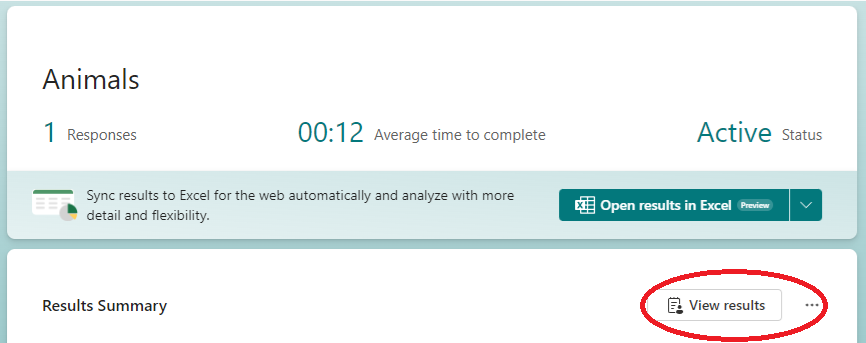
1. Within the Form editor, click on the ‘Responses’ tab.

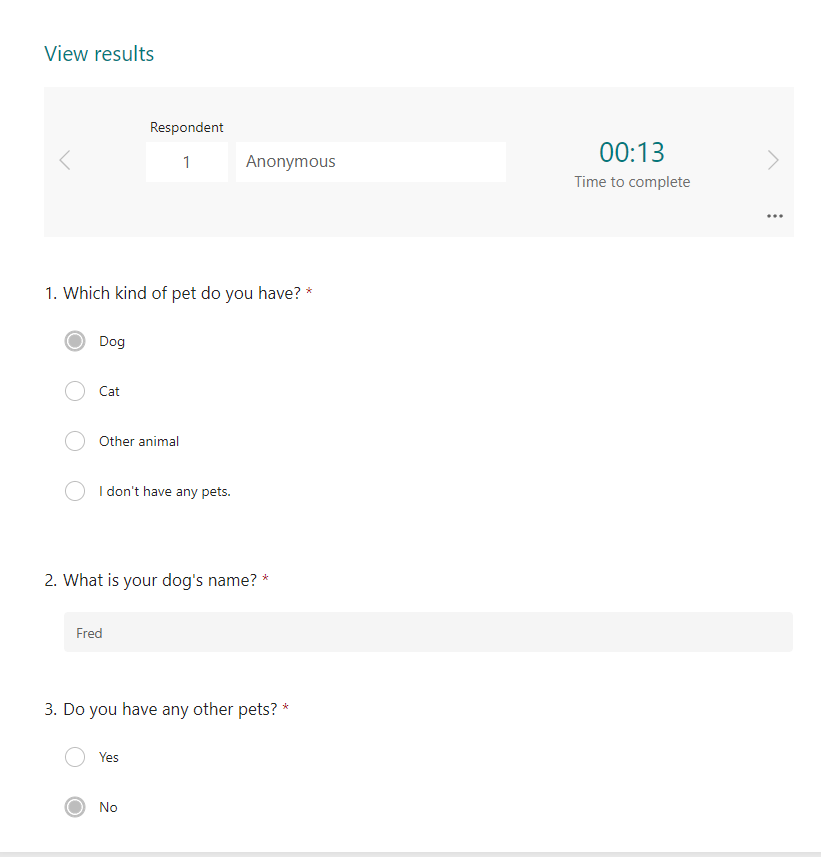
2. Click ‘View results’ to see responses displayed in a similar view to how the respondent sees the form.
OR
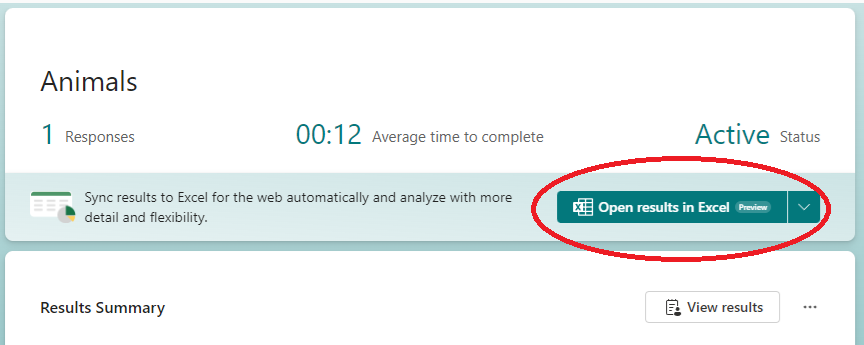
Click ‘Open in Excel’ to view all results from all respondents in a spreadsheet format. Questions will appear as columns, and respondents will appear as rows.
Was this article helpful?
That’s Great!
Thank you for your feedback
Sorry! We couldn't be helpful
Thank you for your feedback
Feedback sent
We appreciate your effort and will try to fix the article