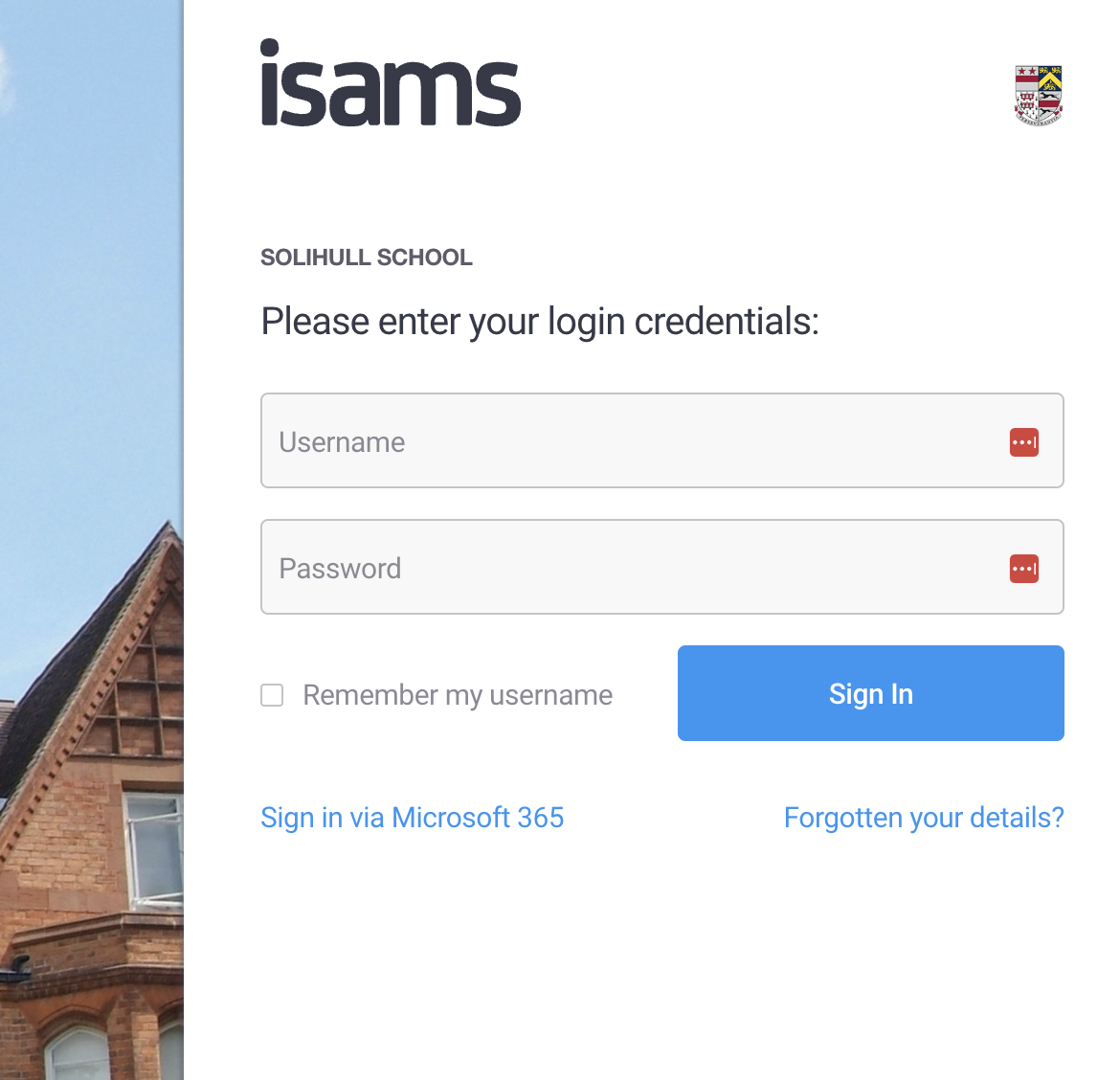
You no longer have to type your school username and password to sign into iSAMS.
- Open iSAMS
- Click on 'Sign in via Microsoft 365' (Do NOT enter any username or passwords)
- If you're outside of school, you may be prompted for your two factor authentication code.
You will not be prompted inside of school.
Was this article helpful?
That’s Great!
Thank you for your feedback
Sorry! We couldn't be helpful
Thank you for your feedback
Feedback sent
We appreciate your effort and will try to fix the article